A queue before the first song
One person with a printed list, three hundred guests, and every family stopping to be found. The bottleneck is never the venue — it is the search.

Everything else is planned for months. The first ninety seconds of a guest's night is usually left to a printout.
One person with a printed list, three hundred guests, and every family stopping to be found. The bottleneck is never the venue — it is the search.
Thick walls, a basement suite, four hundred phones on one hotel access point. The one moment you need the guest list is the one moment the network is gone.
Two people at two doors with two copies of the list. By dessert, the count in the kitchen and the count at the door are different numbers.
All of this happens on wifi, days before. At the venue the app needs nothing.
Create a pairing code in your dashboard and type it into the app once. The tablet is now bound to this event and nothing else.
The whole list downloads onto the device and is checked against a hash before it is accepted. A half-finished download is never used.
Point the camera at the guest's QR pass. The answer comes from the tablet itself, so it is instant, and it is the same answer with or without wifi.
Most check-in tools call a server for every scan, so a weak signal becomes a queue and a dead one becomes a paper list. Fancy Check-in answers from the tablet. The guest list is downloaded and verified before the event, admissions are written locally, and the sync catches up on its own — including a device that was offline all night.
The answer comes from the device, not a round trip. No spinner between a guest and their table.
Wifi drops mid-event and nobody at the door notices. Nothing to fail over to, because nothing failed.
Arrivals queue on the tablet and sync themselves. Two doors reconcile into one truthful count.
Whoever works your door may have met the software ten minutes earlier. Every scan resolves to one unmistakable screen.
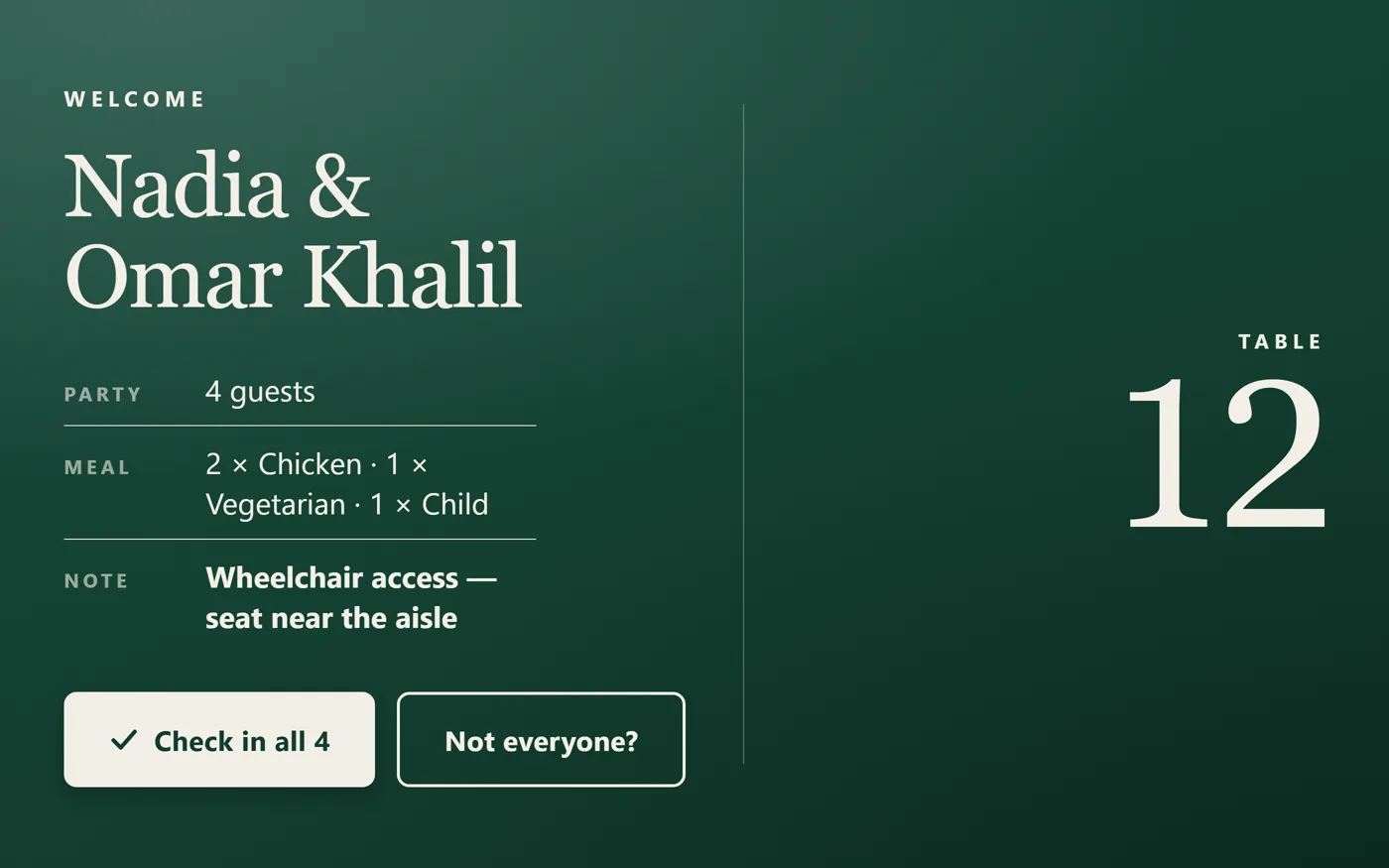
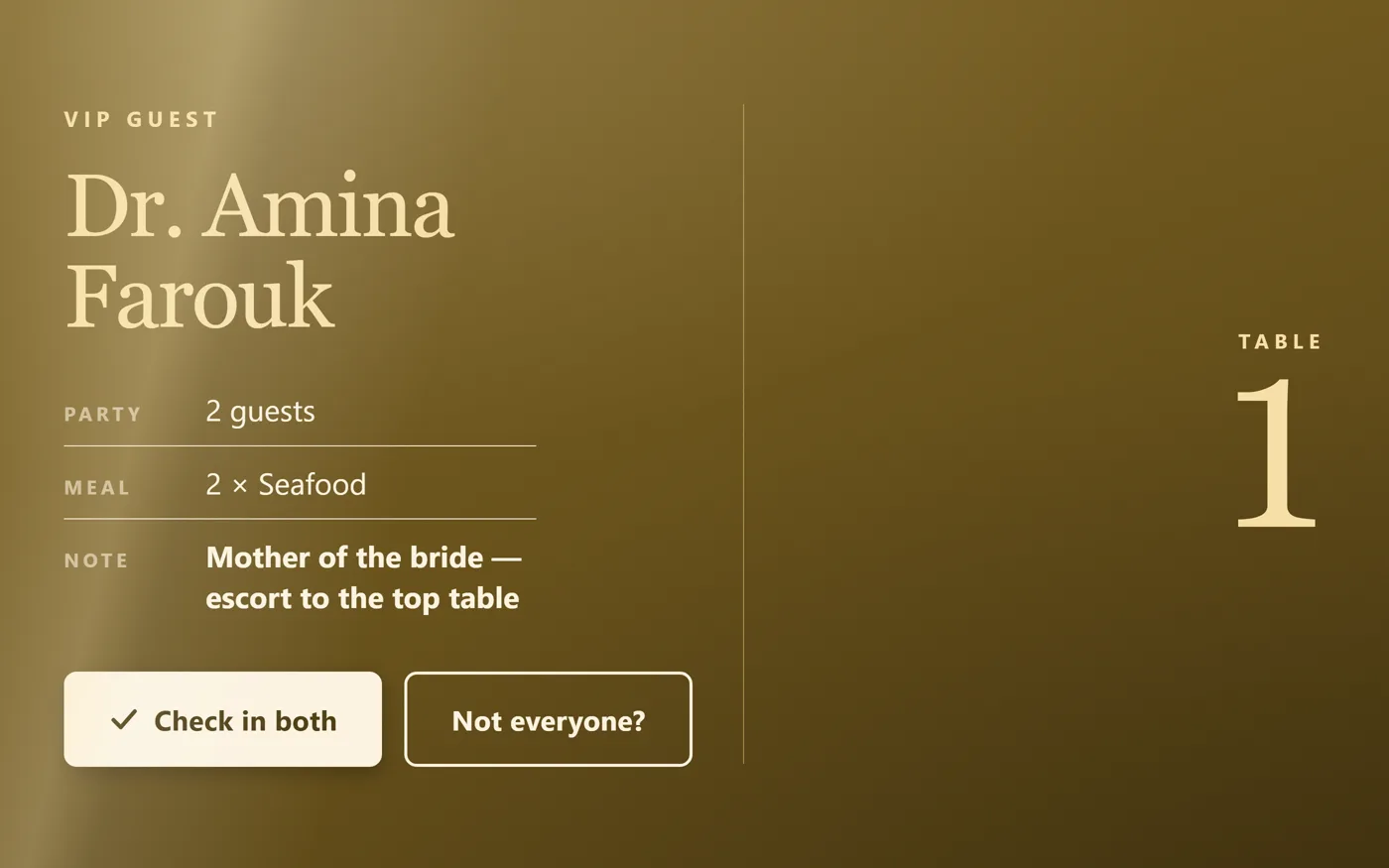
Valid pass, first arrival. The name and party size fill the screen so the person on the door can greet them properly.
This pass has been scanned. Shows who admitted them and when, so nobody is accused of anything.
No match. Search by name instead — the whole list is on the device.
A valid Fancy pass, but for a different night. Says so, instead of a flat refusal.
It decides who comes into a room full of people you care about.
Every ticket is a signed token. A screenshot of somebody else's QR is still their ticket, and a hand-made one is refused.
Each staff member unlocks with their own PIN, verified on the device. Every admission carries the name of who let them in.
A device is paired to one event. Lose it and it opens nothing else; revoke it from the dashboard and it opens nothing at all.
The downloaded guest list is checked against a record count and a content hash. A partial or tampered bundle is rejected, not quietly trusted.
Anyone can install the app — the download at the top of this page needs no account. It stays inert until you pair it to an event, and that is the step your plan governs. Open the pricing page for which plans include it.
No. Guests never install anything. They get a QR pass by email when they RSVP and show it at the door — on their phone or printed. The app is only for the people working the door.
Nothing changes. The guest list lives on the tablet, so scanning, searching and admitting all work with the network off. Arrivals queue up on the device and sync by themselves the moment a connection returns.
Yes. Pair as many tablets as you have doors. If the same guest is scanned at two of them, both are recorded and the duplicate is flagged for you to review rather than silently dropped.
Any admission can be undone from the tablet with a reason. The original is kept as evidence and marked reversed — the record never just disappears.
An Android tablet or phone with a camera. You install it from your dashboard, pair it, and load the list — all on wifi at the office, before the event.
Set up your event, invite your guests, and hand a tablet to whoever is on the door.